
 Spanish


How to link Apple Music and ChatGPT step by step
The process to link both services begins in the ChatGPT application. Within the profile settings, there is a section for "Applications", where possible external integrations are grouped. By selecting "Explore apps", the user can easily find the Apple Music option, which is highlighted within the list for offering tools to create playlists and search for songs directly from the chat. You can also read:When clicking on Apple Music, an information sheet appears with examples and explanations on its use. To connect both services, it is necessary to select “Connect” and review the permissions granted by the integration.
At this point, ChatGPT requests the user to log in with their Apple ID in an external window, ensuring that control of accounts and multimedia data always remains in the user's hands. Once the permissions are approved, access to both the library and the playback history is confirmed. After completing the process, the ChatGPT app displays Apple Music among the connected applications and ready to be used in any conversation.
Using Apple Music in ChatGPT: Advantages and New Features
With the connection active, the chat text field presents a new label dedicated to Apple Music. Users can request music using natural language, from searching for songs by instrument or composer to asking for recommendations by genre, mood, or context.
One of the great benefits of this integration is the ability to address complex or unusual searches, such as exploring instrumental music, operas, or very specific thematic lists. ChatGPT interprets the user's intention and filters the Apple Music catalog, offering precise and contextual results, as well as options to open the content directly on the streaming platform.
The function can be activated or deactivated from the ChatGPT settings at any time, making it a flexible tool that adds value for music lovers, composers, or those seeking more intuitive and conversational musical experiences, all without leaving the chat.Guide to Using Apple Music for the First Time
Apple Music is a music streaming platform that allows access to millions of songs, albums, and playlists from different Apple and Android devices. To use it for the first time, you need an Apple ID. After logging in, the application asks you to select favorite genres and artists, which helps personalize recommendations. Apple Music includes radio stations and allows you to download music for offline listening.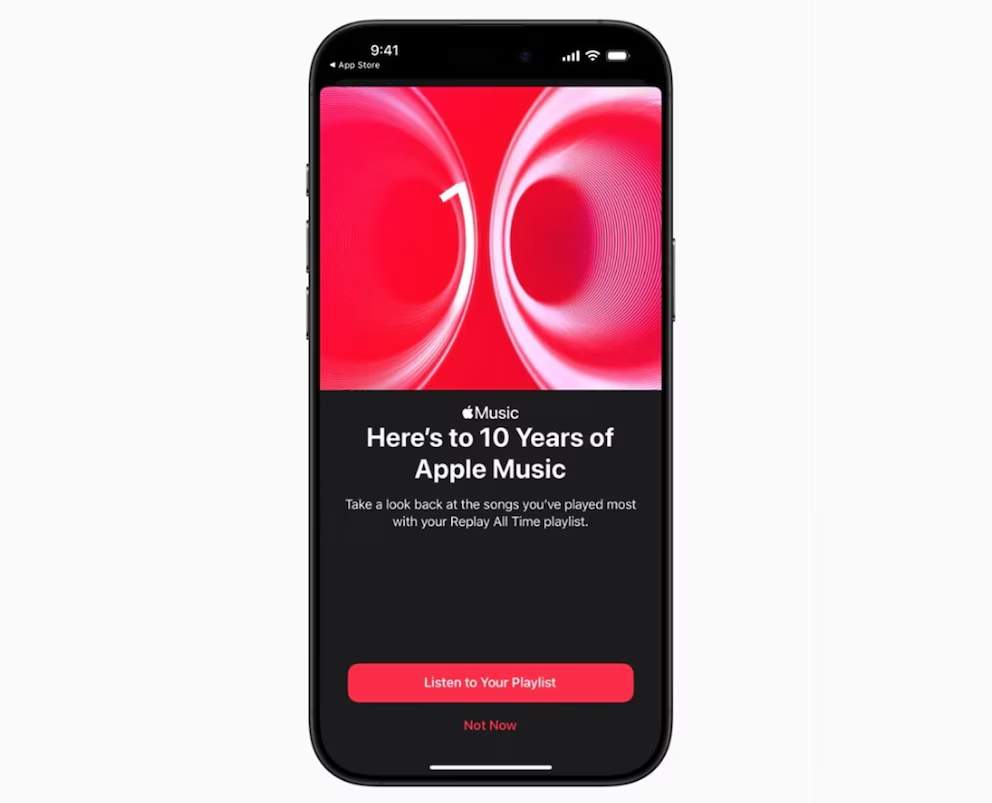
Upon concluding the initial setup, the main screen displays suggestions based on chosen preferences, new trends, and featured playlists. In the search bar, specific songs, complete albums, and podcasts can be found. Upon selecting a song, it can be played instantly, added to a personal library, or used to create custom playlists for different moments.
The application includes radio stations and allows you to download music for offline listening, useful on trips or in places without internet access. The system integrates with Siri, the voice assistant, to control playback through simple commands. Apple Music also offers real-time lyrics and allows you to share songs with other users via links.